· 5 min read

VS Code vs Atom

Why is VS Code so much harder to theme than Atom? There were so many experimental themes for Atom and in Code it’s like… different color menu bar. Whoopee.

I didn’t use all of the really goofy ones but it was fun that you could at least try. I really liked “slightly 3D” skeuomorphic interfaces, like Calculator UI.
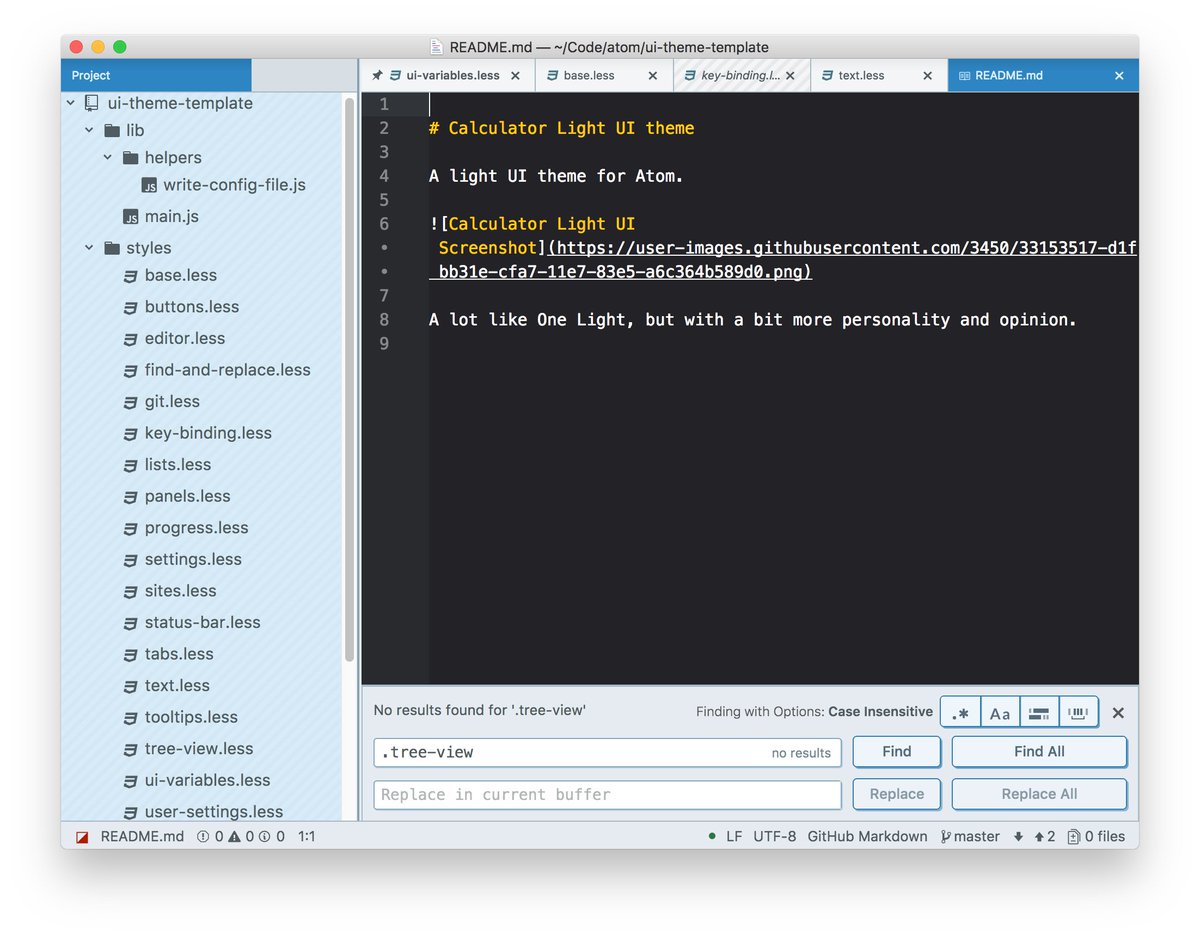
The image shows a screenshot of the Atom text editor with a dark theme, displaying a README file for a "Calculator Light UI theme" and a project tree on the left side, showing files like base.less, buttons.less, and ui-variables.less.

Elevated UI had this too, in a more “realistic” fashion.
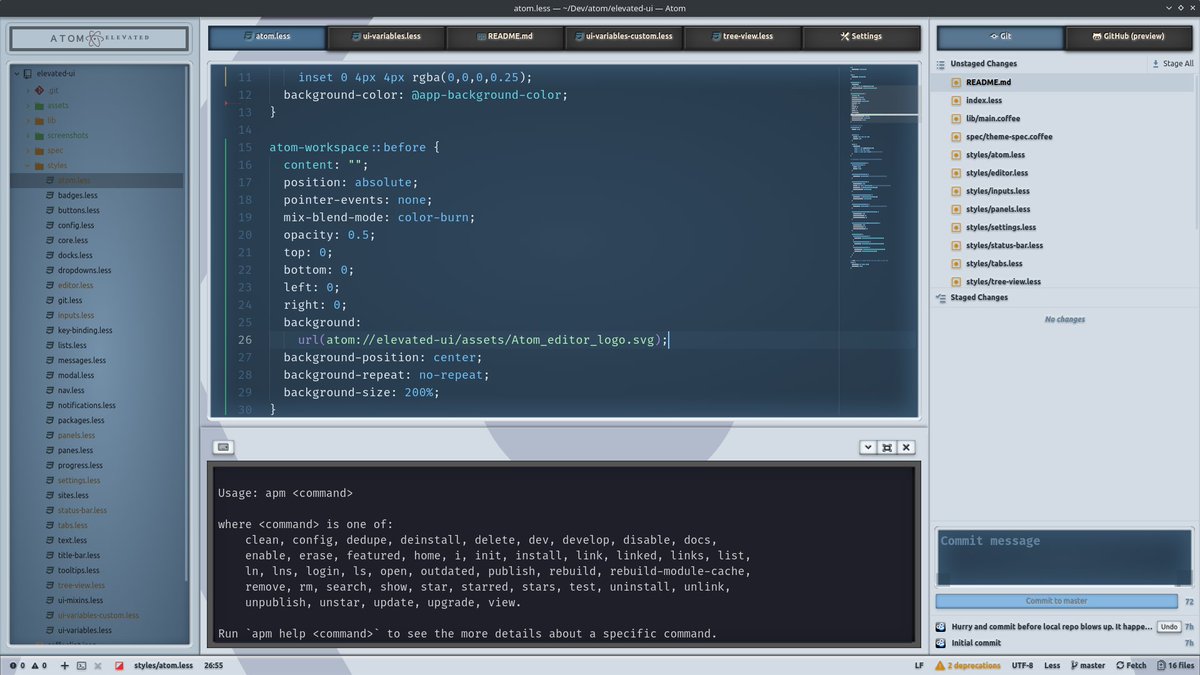
The image shows the Atom text editor interface with a dark theme, displaying a LESS stylesheet file named 'atom.less' containing CSS code for customizing the Atom editor's appearance. The editor also shows a command prompt at the bottom with 'apm' package manager usage instructions.

Atom 1 tried to replicate the original Atom advertisement which I think is adorable.
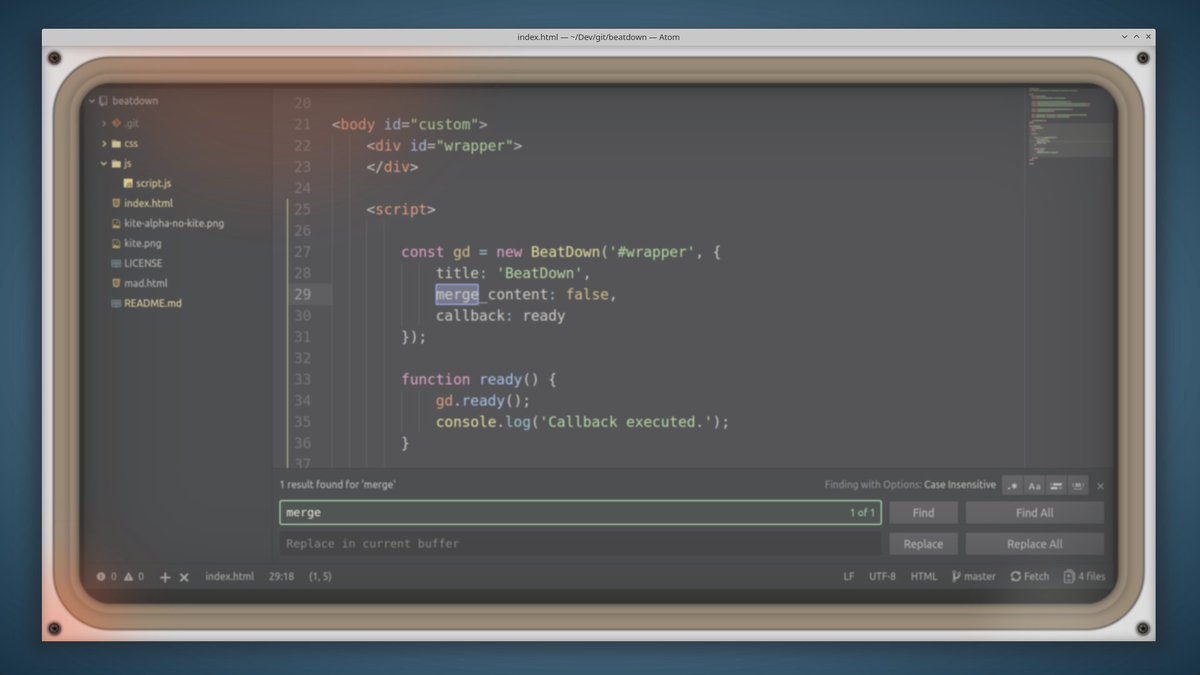
A screenshot of a code editor showing HTML and JavaScript code for a BeatDown library, with the word "merge" highlighted in the search bar, indicating a find result within the current file.

BTW if you haven’t seen that ad, you should - it’s an amazing piece of marketing and tech history as well: https://www.youtube.com/watch?v=Y7aEiVwBAdk

There was a theme that mimicked the Mac native look, too.

A screenshot of the Atom text editor displaying a LESS stylesheet file named "atom.less" with CSS-like code for customizing the user interface, set against a blurred mountain background.

Pure-UI: super minimal, but with subtle (and customizable) background images.
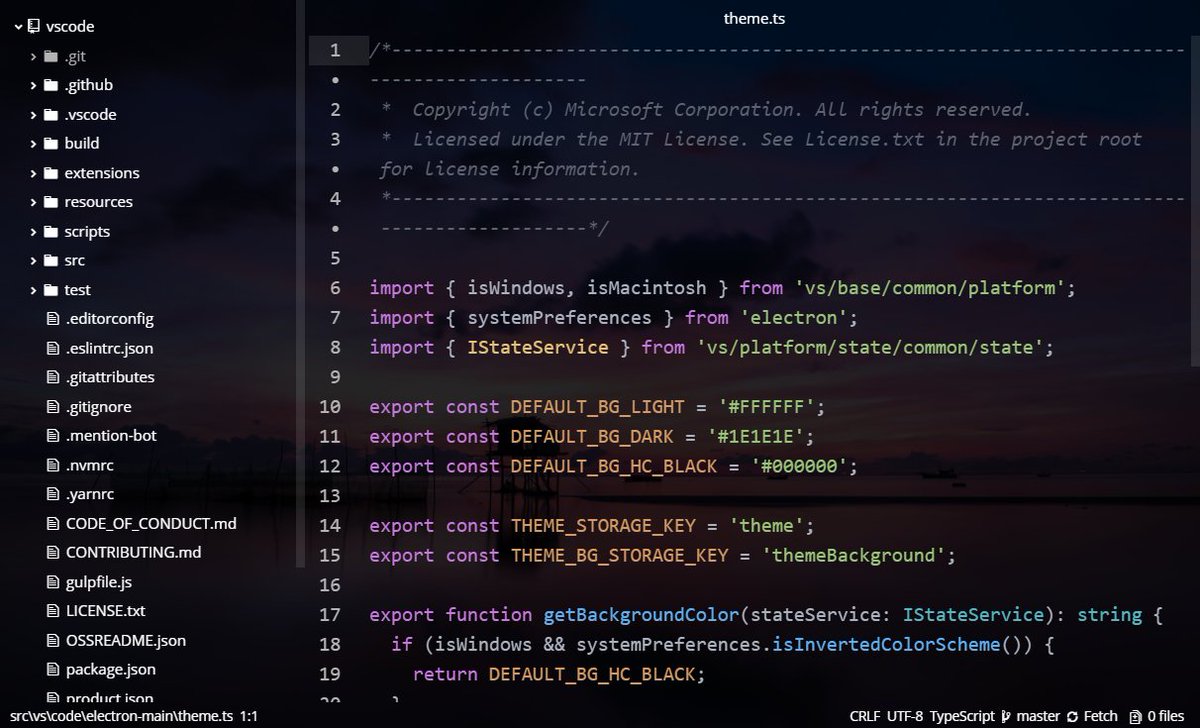
A dark-themed code editor window displaying a TypeScript file named "theme.ts" from a VS Code project, showing imports, exported constants for background colors and theme storage keys, and a function to determine background color based on system preferences.

Material-UI, with customizable accent color.
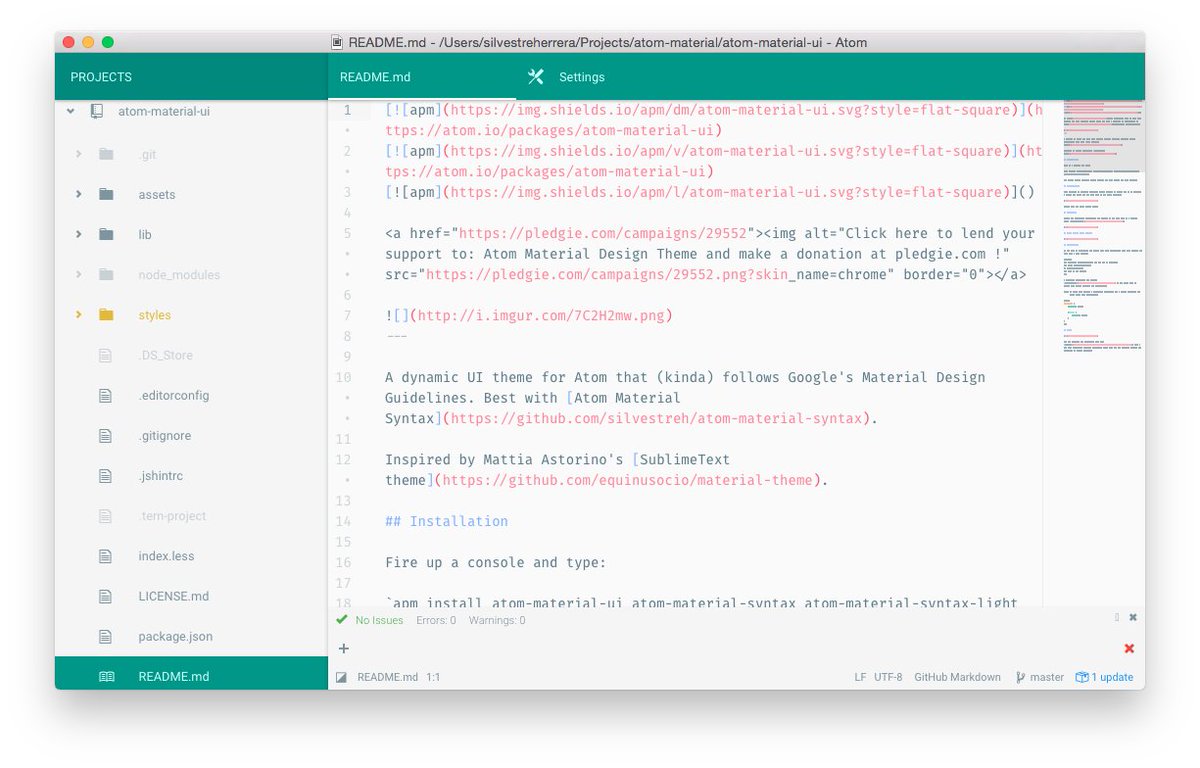
The image shows a screenshot of the Atom text editor displaying a README.md file for a project named "atom-material-ui," which is a dynamic UI theme for Atom following Google’s Material Design Guidelines. The editor interface includes a sidebar with project files and a main pane showing Markdown content with links, images, and installation instructions.

A lot of the crazier themes were created with the explicit purpose of Using Up Your Compute, like this cyberpunk city theme, with glass blur effect and the filesystem angled to map to the distant buildings.
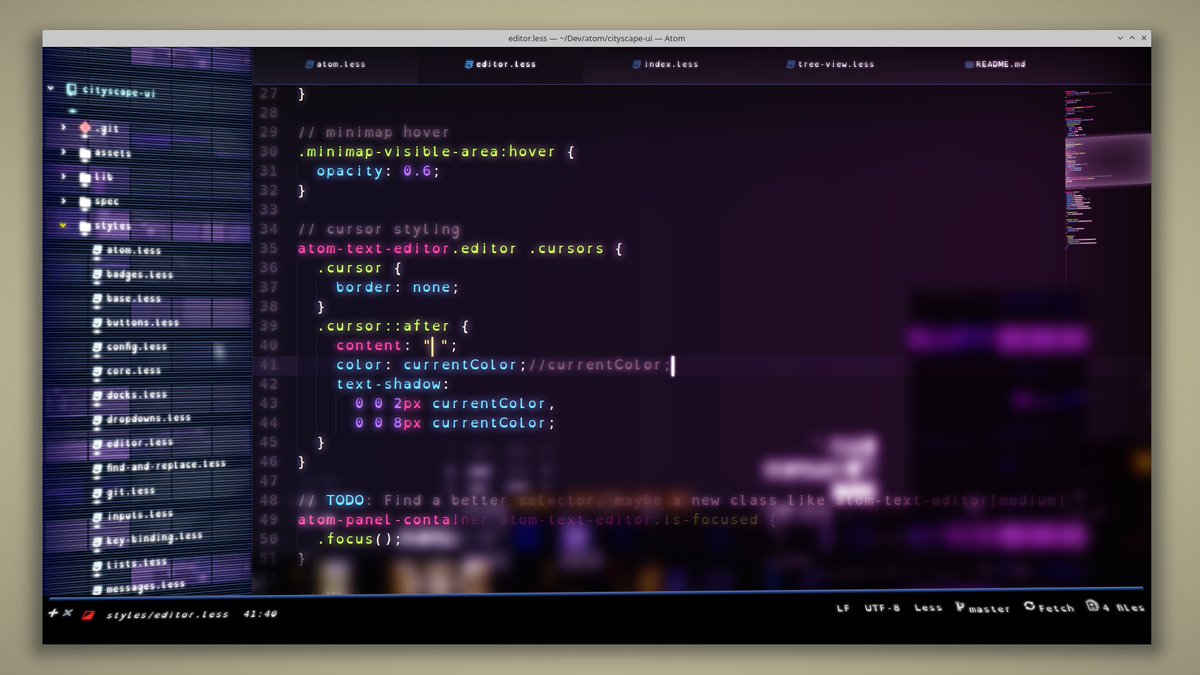
_1526261804464226311-FS5e-dMX0AI9hRN.jpg

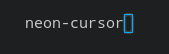
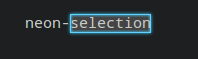
Or this Futurism UI, with neon cursor and selection!
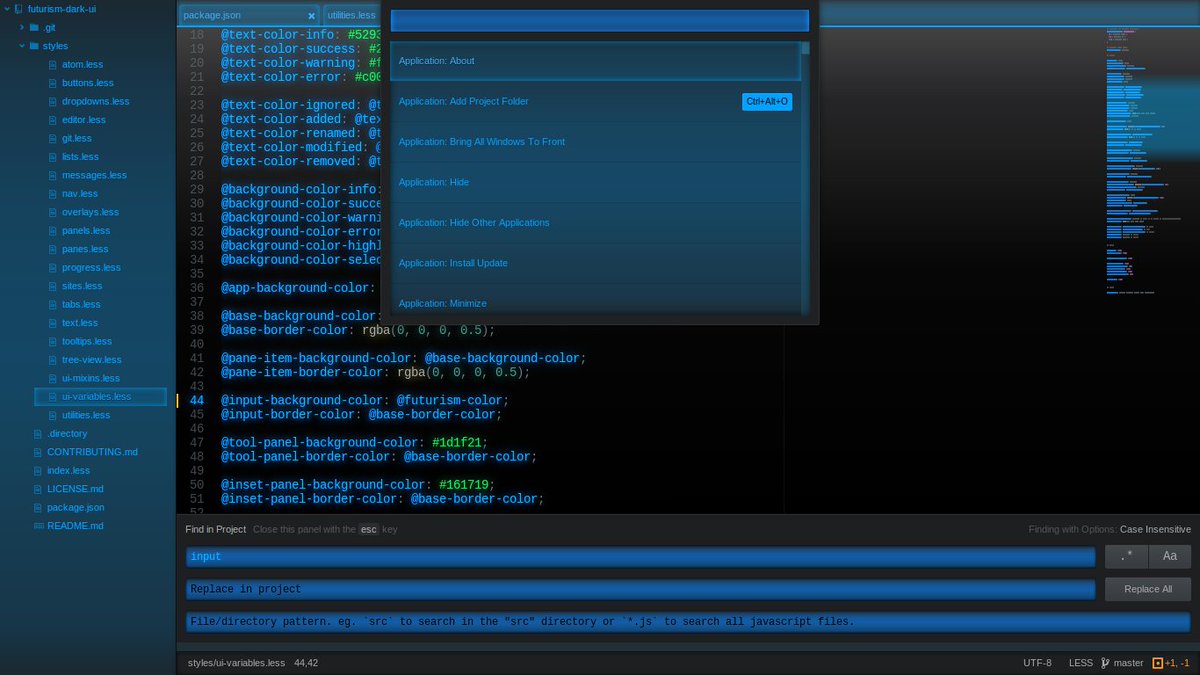
A dark-themed code editor displaying a LESS file with variable definitions, showing a dropdown menu with application commands like "Add Project Folder" and "Install Update" at the top, and a search bar at the bottom.

_1526261974350315525-FS5fJodWIAMf6-e.png

_1526261974350315525-FS5fK_rXwAAiRte.png

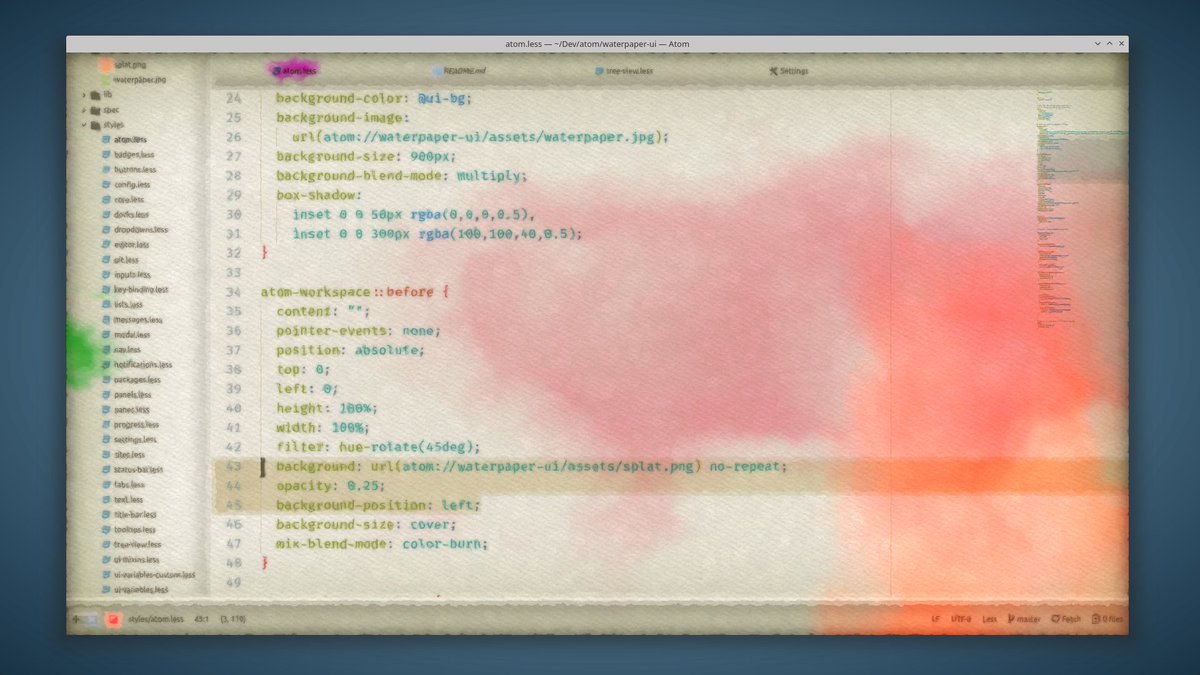
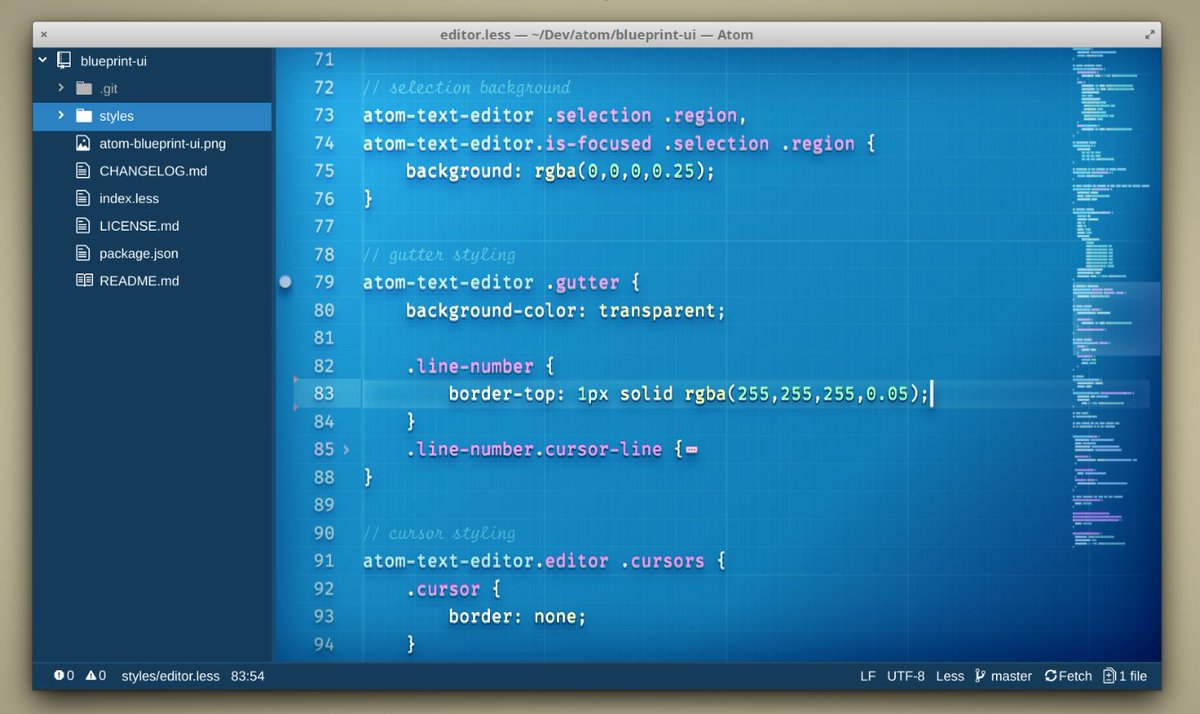
Chalkboard, blueprint, notebook, watercolor:
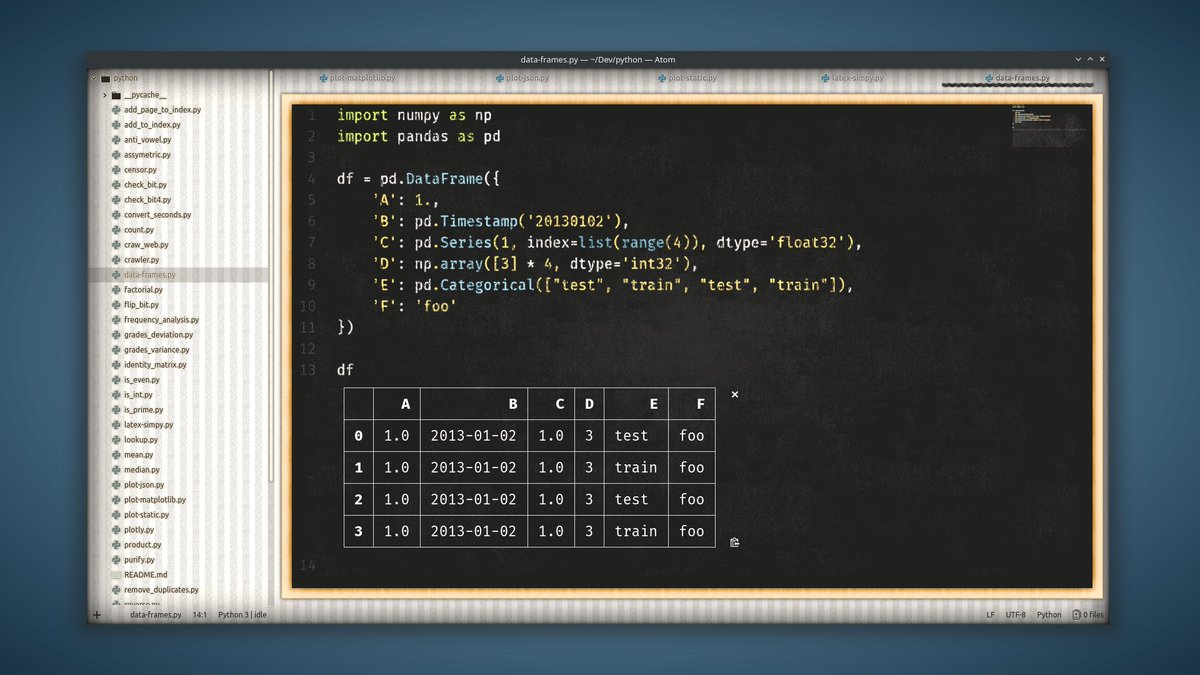
A screenshot of a Python code editor showing a data frame creation with pandas, displaying a table with columns A through F and 4 rows of sample data, including timestamps, numeric values, categorical labels, and a constant string.

A vintage-style code editor window displaying CSS stylesheets with a faded atomic symbol watermark on the right side, showing lines of code with syntax highlighting in muted tones.

A screenshot of the Atom text editor displaying a CSS file with background-image and filter properties, set against a watercolor-style gradient background in shades of pink and orange.

A screenshot of the Atom text editor displaying a Less stylesheet file named "editor.less" with CSS-like code for customizing the editor's appearance, including selection background, gutter styling, and cursor styling, set against a blue grid background.

People were also doing interesting things with syntax highlighting. Like the “monotony” theme, which uses no colors but different font effects to highlight syntax.
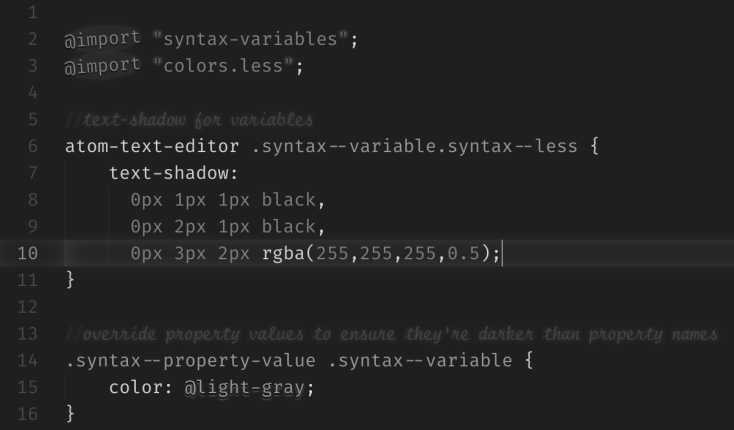
_1526263558845222912-FS5gnEqXoAEo_o2.png

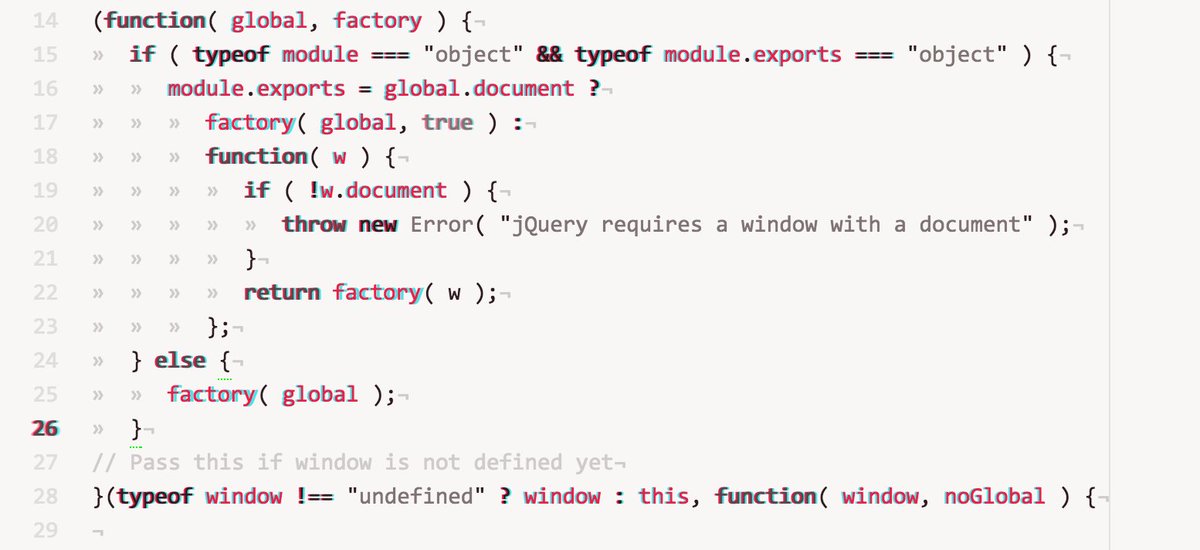
Or the anaglyph theme, which I used for way too long tbh:

This image displays a snippet of JavaScript code, primarily from a jQuery module, showing conditional logic for handling different environments (like browser vs. Node.js) and ensuring a valid document or window is available for execution.

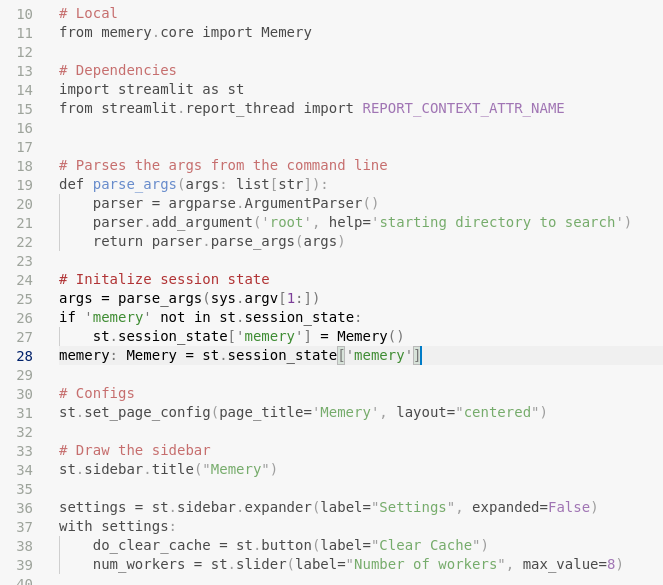
Of course, these days I prefer a super-minimal syntax theme that maintains consistency and helps me focus on the shape and meaning of the code. Plus it makes comments MORE visible, rather than less, which makes so much more sense!
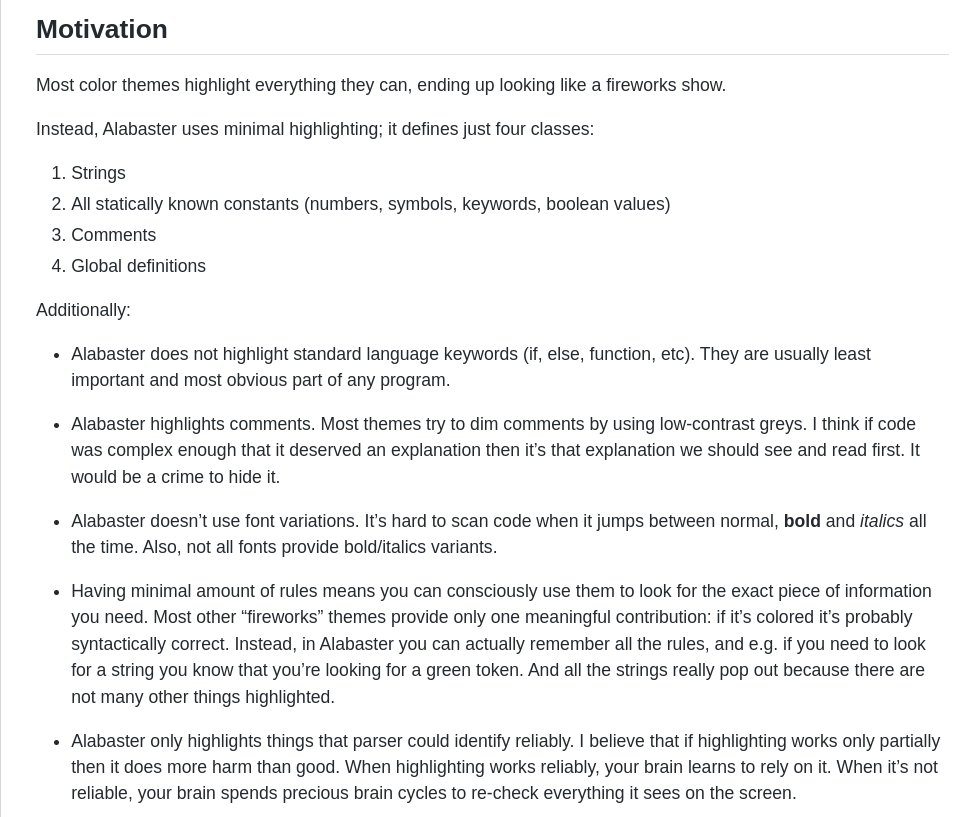
This image displays a section titled "Motivation" explaining the design philosophy of the Alabaster color theme, which emphasizes minimal highlighting with only four classes (strings, constants, comments, global definitions) and avoids highlighting keywords or font variations to improve code readability and reduce cognitive load.

This image displays a Python code snippet from a Streamlit application, showing imports, function definitions, session state initialization, and sidebar configuration for a memory management tool named "Memery".

I miss other things about Atom more though, like some of the crazier plugins:

View original